Bring every story to life.
Generate character artwork, scene illustrations, chapter visuals, and publishing-ready images directly from your story — with characters that stay on-model from page one to the end.
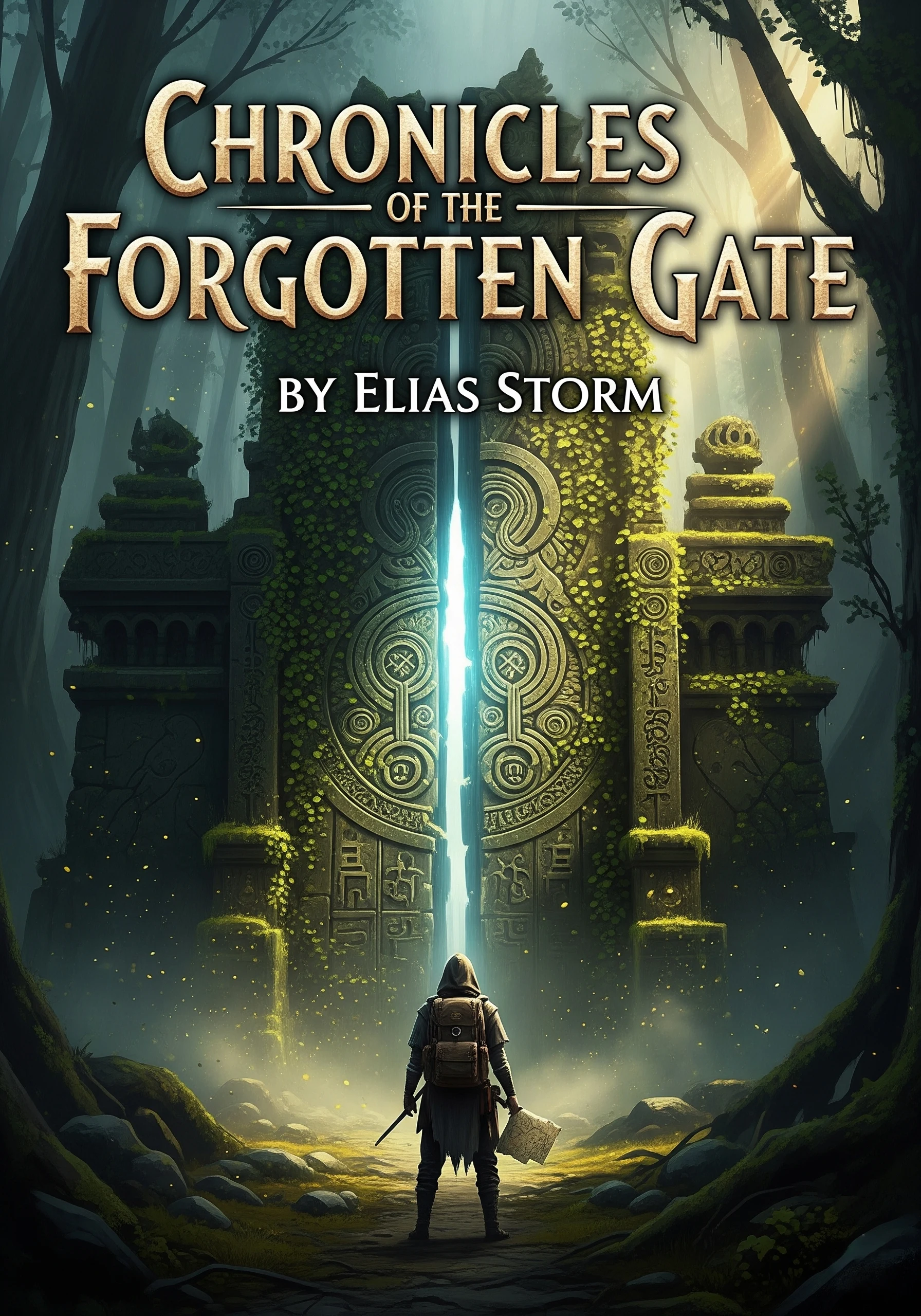
Epic and magical
Fantasy

Bright and playful
Children's Book

Soft and artistic
Watercolor
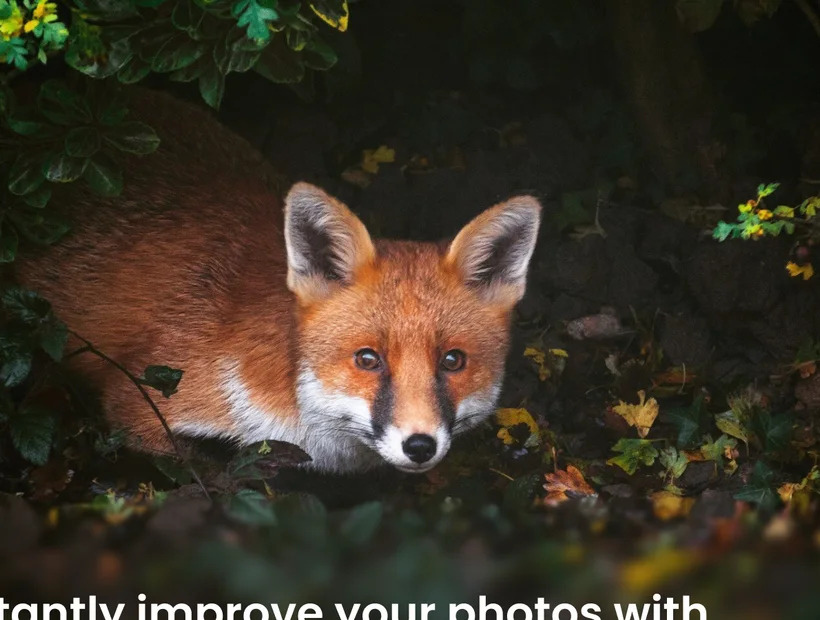
Friendly and warm
Cartoon
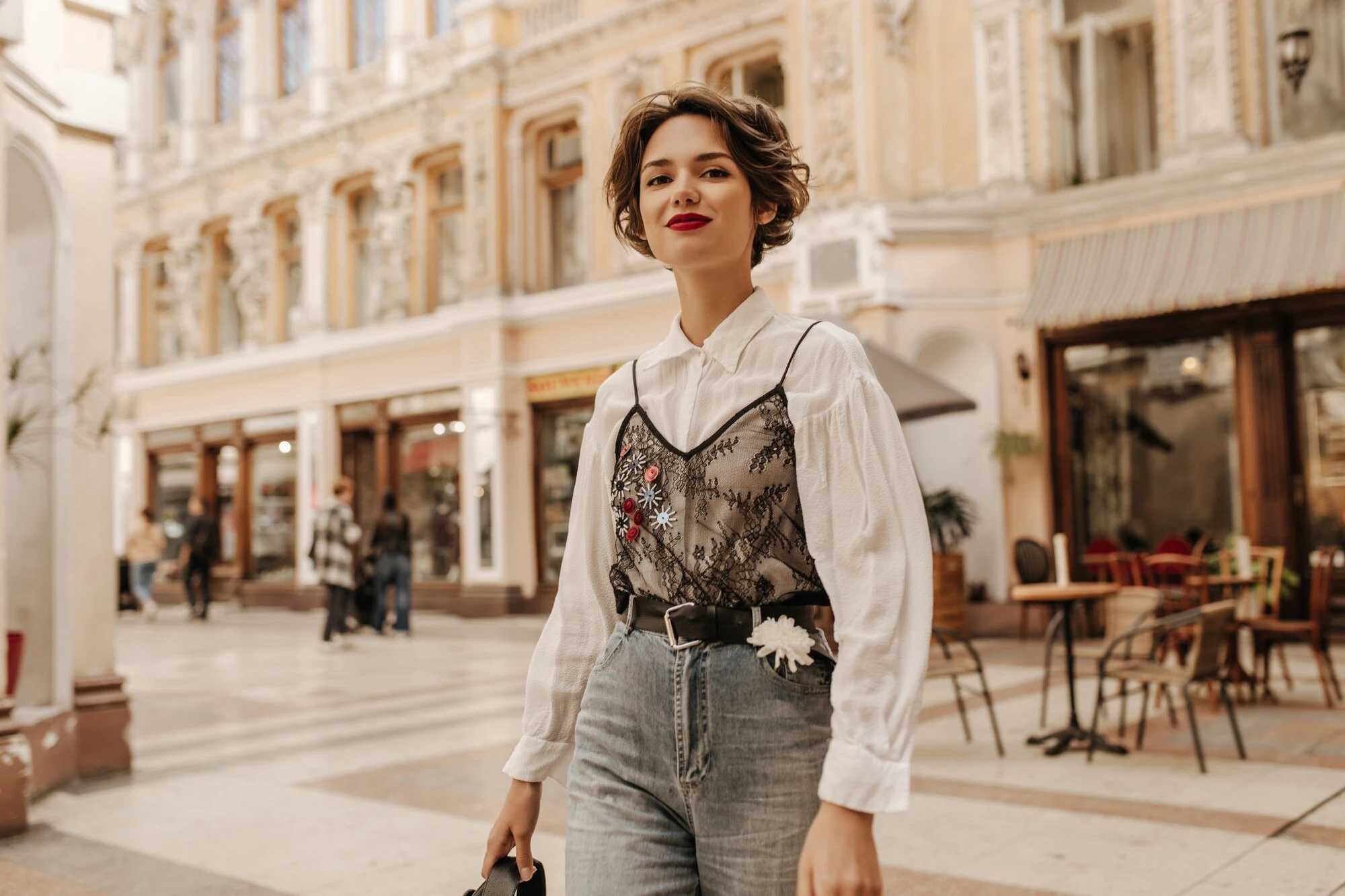
Bold and expressive
Comic Book
The problem
Great stories deserve great visuals.
Traditional illustration is slow and expensive. Generic image generators don't understand your story. StoryMaster gives you both speed and a sense of place.
Hiring artists
Sourcing, briefing, and negotiating contracts.
Managing revisions
Endless back-and-forth on small details.
Waiting weeks
Slow turnarounds that delay your launch.
High costs
Hundreds to thousands of dollars per book.
StoryMaster AI generates professional artwork instantly — and remembers your book while doing it.
Built for books
Not a generic image generator.
Unlike standalone AI image tools, the Illustration Studio is wired into your manuscript. Every render uses what StoryMaster already knows about your book.
Characters
Hair, eyes, clothing, age, expressions.
Story context
Plot beats, themes, and tone.
Chapter events
What just happened in the scene.
Relationships
Who shares the frame, and how they feel.
Book themes
Color, motif, and recurring visual language.
Illustration types
Every visual your book needs.
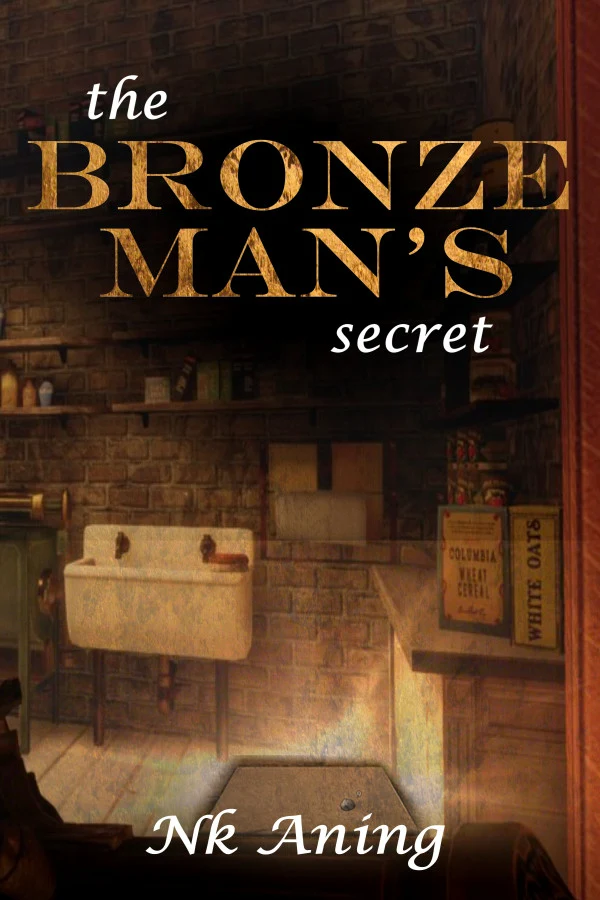
Character illustrations
Main and supporting characters — on-model, in costume, with expressions.
Scene illustrations
Visualize the most important moments of your story.
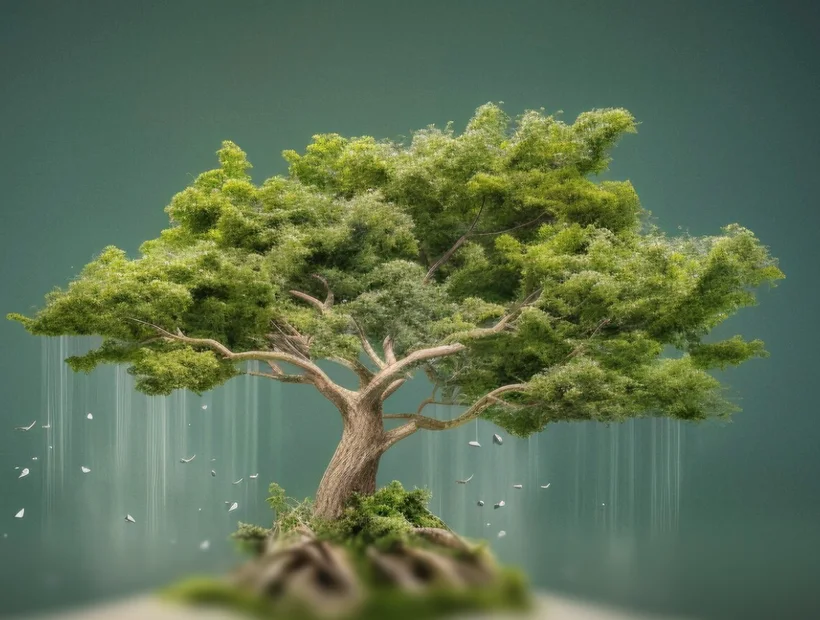
Chapter artwork
Open every chapter with a striking, story-relevant image.
Environment art
Worlds, cities, forests, castles, schools, and fantasy locations.
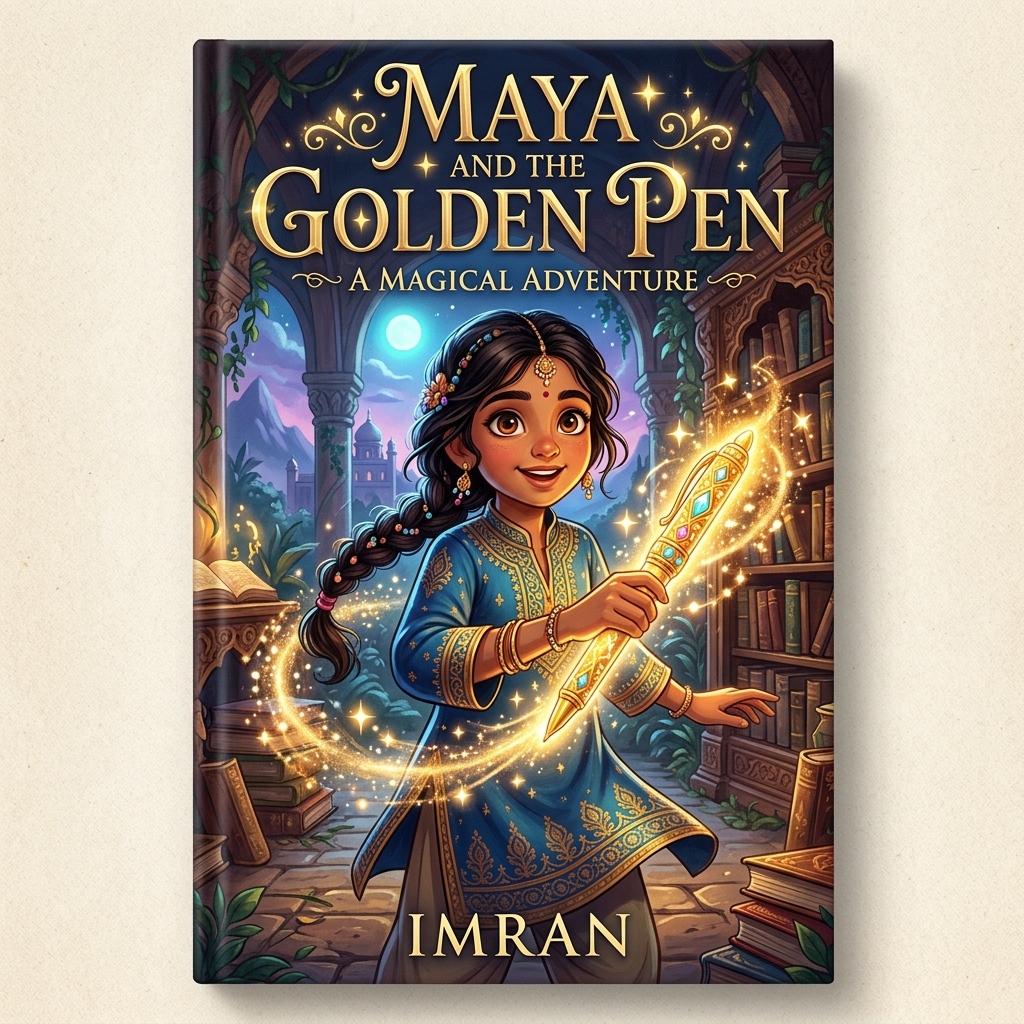
Cover concepts
Generate visual directions for your book cover before committing.
Consistency engine
One character. Every page.
Most image generators draw a new face every time. StoryMaster remembers who your character is — and renders them consistently across every scene and every chapter.
Locked across renders
Generic AI generator
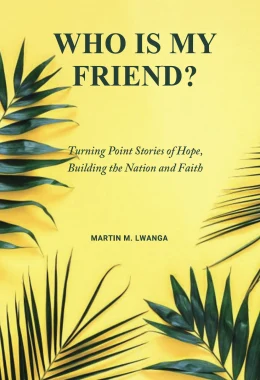
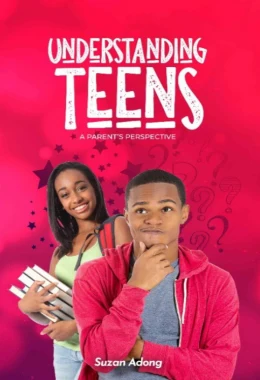
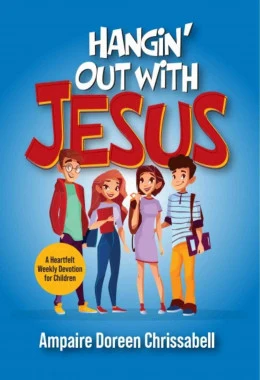
Different face every time.
StoryMaster Studio
Same character, scene after scene.
Illustration styles
Eight publishing-grade styles.
Pick the visual language that fits your book — and lock it across every illustration.
Bright and playful
Children's Book
Soft and artistic
Watercolor
Friendly and warm
Cartoon
Epic and magical
Fantasy
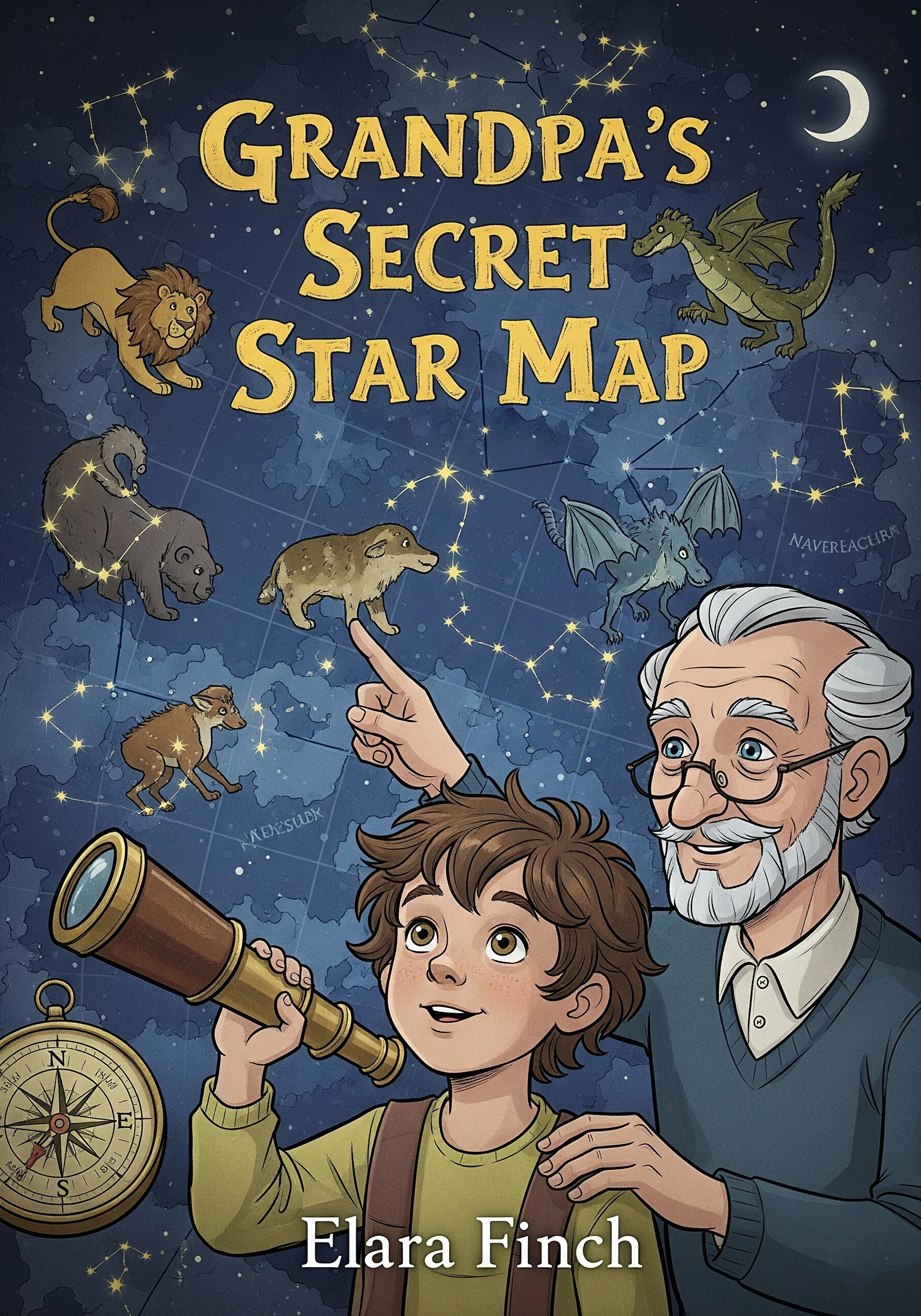
Cinematic detail
Realistic
Bold and expressive
Comic Book
Traditional press
Storybook Classic

Clean and clear
Educational
Workflow
From idea to finished art in five steps.
Choose character or scene
Pick what you want to illustrate from your manuscript.
Select illustration style
Watercolor, cartoon, fantasy, realistic — your call.
AI generates artwork
Renders are produced using your book's context.
Refine and regenerate
Tweak details, lighting, expression, or camera angle.
Insert into your book
Drop it into a chapter — formatted for print and ebook.
Scene generation
Turn chapters into visual experiences.
Story scene
"Ava and Mia discover a glowing fallen star deep inside the enchanted forest."
Wide cinematicScene illustration
Generated from your manuscript context.
PortraitCharacter illustration
Generated from your manuscript context.
EstablishingEnvironment art
Generated from your manuscript context.
Illustration library
Manage every illustration in one place.
Your art lives next to your manuscript — organized, searchable, and ready to drop into the right chapter.
- Organize by book
- Organize by chapter
- Favorite artwork
- Regenerate variations
- Download images
The Sisters and the Falling Star
12 illustrations
Designed for publishing
Exports your printer will actually accept.
Children's books
Full-bleed spreads with safe-margin checks.
Print books
300 DPI exports sized for trim.
eBooks
Optimized PNG / JPEG for EPUB and KDP.
Educational content
Clean, label-friendly imagery.
Story collections
Series-consistent style across volumes.
Why authors switch
What changes when your art moves at the speed of writing.
Save thousands
Cut illustration costs from thousands to cents per render.
Minutes, not weeks
Generate finished artwork in minutes — iterate instantly.
Visual consistency
Characters and palette stay coherent across the book.
Publish faster
Move from manuscript to illustrated book in days.
No design experience needed
Style and composition handled — you just write.
FAQ
Questions, answered.
Can I create illustrations for an entire book?
Yes. The Illustration Studio is designed to generate every visual in your book — characters, scenes, chapter openers, and environments.
Can characters remain consistent?
Yes. StoryMaster remembers each character profile and renders the same person across scenes — same hair, eyes, clothing, and accessories.
Can I choose different art styles?
Yes. Eight publishing-grade styles are available, from watercolor children's book to cinematic realistic, and you can lock a single style across your entire book.
Can I download illustrations?
Yes. Download as PNG or JPEG at print-ready resolution and use them in your published books.